
Recraft Review 2026: AI Vector Images, Pricing & Commercial Use
A Research-based look at Recraft, an AI image generator built for vectors, icons, and brand-consistent illustrations. Worth knowing up front: images made on the free plan belong to Recraft and cannot be sold.


Quick Verdict
// Research-basedTeknexia AI Tool Evaluation Framework
This is a Research-based review. We did not use Recraft ourselves. Every score below is judged on Recraft's official pricing page, documentation, terms of service, and launch announcements, and on aggregated Trustpilot reviews, not on hands-on use. Where a criterion such as ease of use would normally come from our own testing, it is assessed here from documentation, tutorials, and what user reports describe, and each description says what it rests on.
Overall: 6.6/ 10
Recraft is an AI image generator from Recraft Inc. that creates raster images and, unusually, native vector graphics you can edit and export as SVG. It is the seventh review in our AI Image Tools category, after Ideogram, Canva AI, Leonardo AI, Kittl, Midjourney, and Adobe Firefly. This review is built from named sources only; we have not used Recraft ourselves.
Free plan and commercial use: Recraft's terms, updated 11 August 2026, say images created on the free plan are owned by Recraft, may not be used commercially, and may not be sold, licensed, or transferred. They are also public in the community gallery. Images made on a paid plan are yours, with commercial rights, and stay yours after you cancel.
- According to Recraft's documentation, vector generation and the vector editor are included on every plan, including Free, and vectors export as SVG or PDF.
- The free plan allows 3 generations per style and 3 image downloads per day, and every free image is public.
- Paid plans start at $12 a month for 1,000 credits, or $10 a month billed annually, excluding VAT.
- Trustpilot shows 1.9/5 from 39 reviews on an unclaimed profile, with refunds and credit charges as the main complaints.
What Recraft Does, per Its Own Documentation
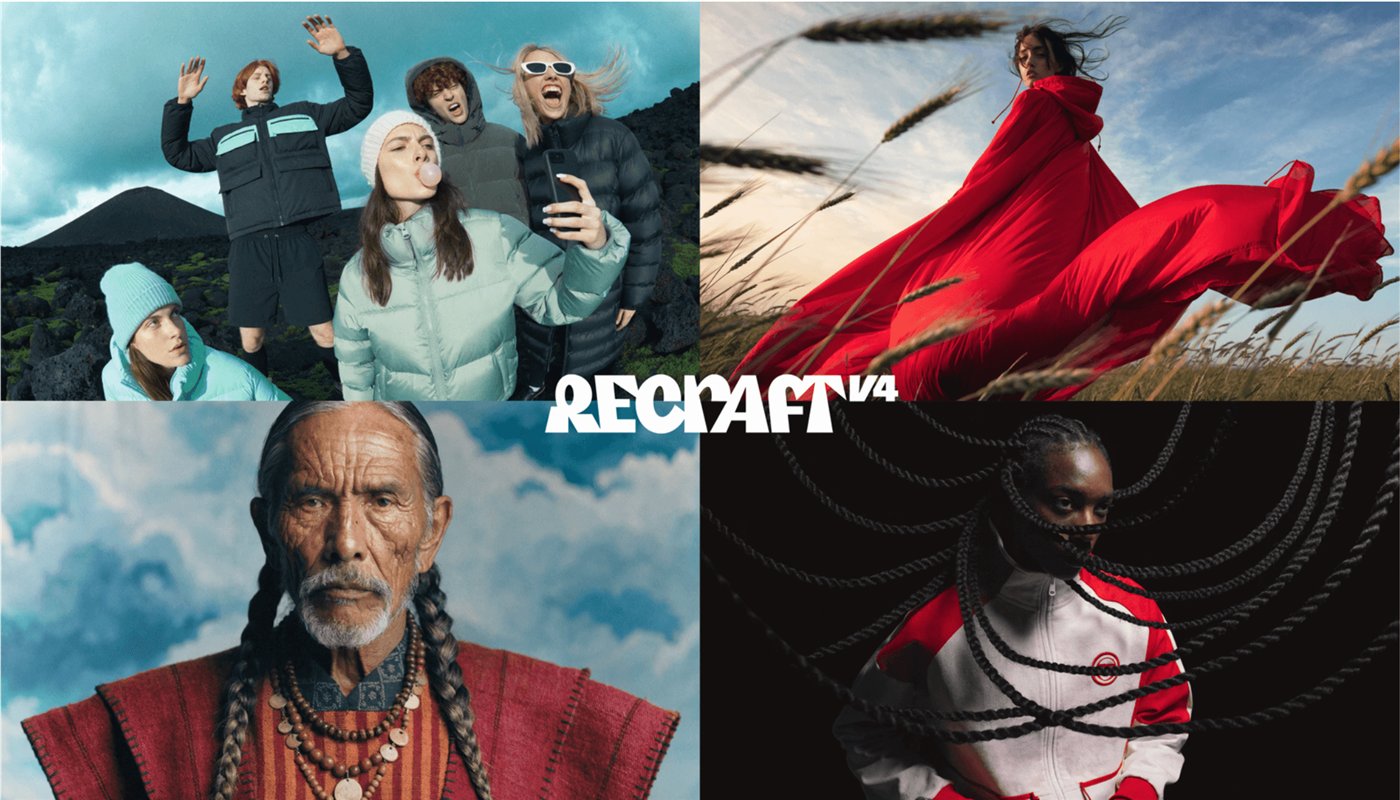
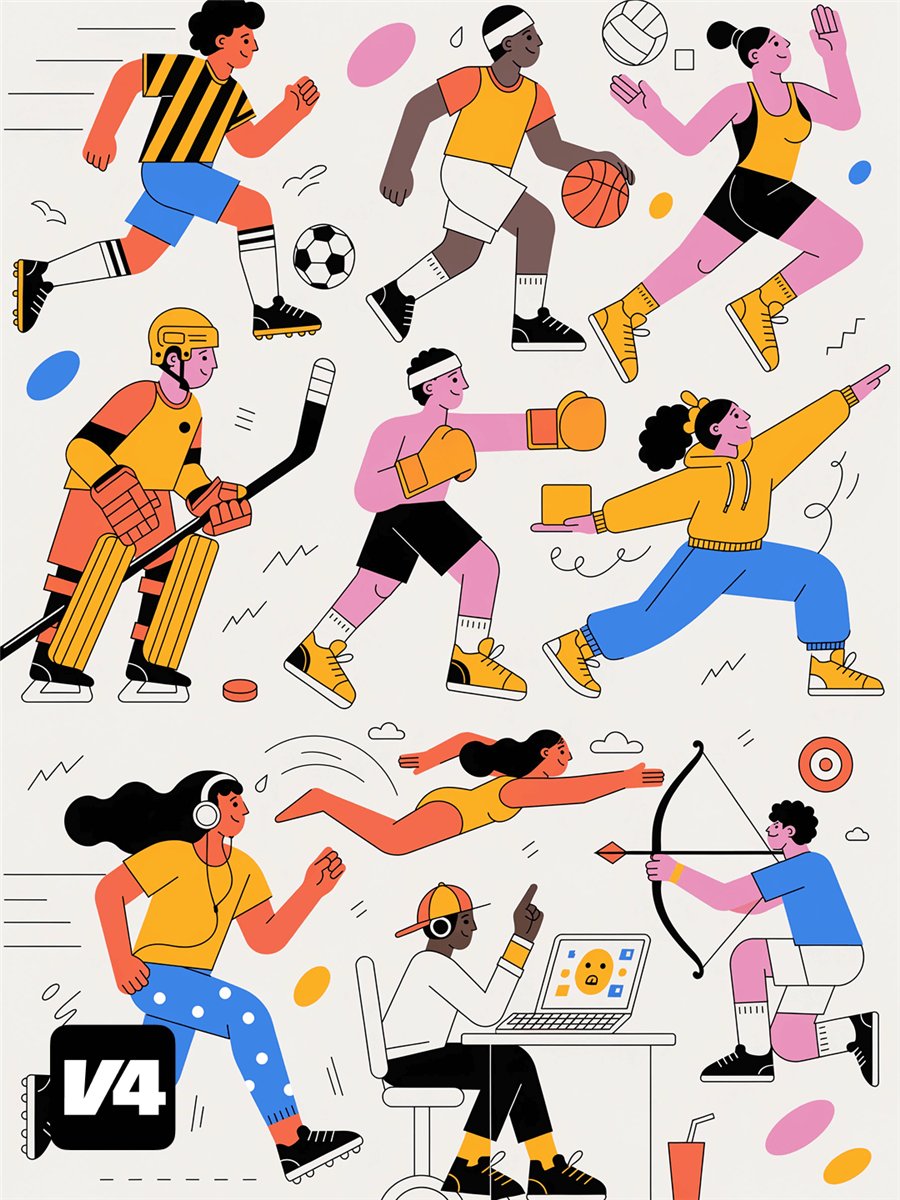
Recraft generates images from text prompts with its own models, the latest being the V4.1 family, which followed the V4 launch of 17 February 2026, plus external models such as Nano Banana, Seedream, GPT Image, and Flux on paid plans. Its toolset includes background removal, upscaling, inpainting, mockups for apparel and packaging, and video generation on the Pro plan. The two images below are official visuals from Recraft's V4 announcement.
Vector Export and the Free Plan
Recraft's credits documentation states that vector generation and the vector editor are included on every plan, including Free. Its export guide lists PNG, JPG, TIFF, PDF, SVG, and Lottie, and says vector images can be exported as SVG and PDF for scalable use; EPS is not listed. A raster image can also be converted to vectors for 1 credit. The docs do not describe a separate export restriction for free users, but the free plan caps downloads at 3 images a day, and anything you make there stays Recraft's property.
Vector generations cost more credits than raster ones. Per the documentation, a V4.1 Vector image costs 4 credits and a V4.1 Pro Vector image 12, compared with 2 and 10 credits for the raster versions; older V3 Vector images cost 2.
Pricing and Credits
We read Recraft's pricing page in a browser on 11 October 2026, in both monthly and annual views. Prices exclude VAT.
| Plan | Monthly | Billed annually | Credits and limits |
|---|---|---|---|
| Free | $0 | $0 | 3 generations per style and 3 downloads per day · up to 2 images per generation · public images · no commercial use · Recraft models only |
| Basic | $12 | $10/mo ($120/yr) | 1,000 credits/mo · commercial rights · private generations · external models · unlimited downloads |
| Pro | From $20 | From $16/mo | From 2,000 credits/mo, with 4k, 8k, and 16k options · video generation · priority generation |
| Teams | From $22/seat | From $18/seat/mo | 2,000 credits per seat · shared workspace and styles · SSO |
Per the pricing FAQ, subscription credits reset each billing cycle and do not roll over, while top-up credits never expire and are available on paid plans only. Refunds are at Recraft's discretion: only if your latest payment was within 30 days and you have used no credits since it, or fewer than 30 credits in total since creating the account.
Commercial Use, as Recraft Describes It
Recraft's commercial rights documentation says paid-plan images give you full ownership and commercial rights, for uses such as marketing, branding, and product packaging, and that they remain private. Free-plan images remain Recraft's property and are not licensed for commercial use; the docs give stock platforms as an example of where they cannot be listed. On every plan, Recraft assets may not be used to train AI models.
Two clauses in the terms are worth reading before you rely on Recraft for client or merchandise work. Under section 17, you agree to indemnify Recraft against third-party claims, including intellectual property claims about your images; Recraft does not offer users an indemnity in return. And Recraft may use your inputs and outputs to train its models; this is on by default, with an opt-out in your profile settings. This is our reading of Recraft's published terms, not legal advice.
Style Consistency Across Images
Keeping a series of icons or illustrations consistent is where Recraft's documentation focuses. Image sets generate up to six images at once, each from its own prompt, sharing one style, palette, and aspect ratio, and you can regenerate any single image without touching the rest. Custom styles built on V4 take up to 10 reference images, and Teams can share styles across a workspace. Custom color palettes are a paid feature, and the docs acknowledge that palette adherence drops with complex prompts. We have not measured consistency ourselves, and a few Trustpilot reviewers report that edits altered parts of a design they wanted to keep.
What Other Users Say
What Other Users Say
In a Research-based review, user reports are one of our main sources. According to user reports from 2026, the main frustrations are credits charged for failed generations, refund requests refused, support that feels automated, and edits that change more than requested. A few recent reviewers, by contrast, describe clean results on a first project. The sample is small, Recraft does not reply on the platform, and Trustpilot notes the company has never invited customers to review, so the score may not represent typical users.
Sources: Trustpilot (retrieved 11 October 2026). We could not retrieve verified G2 or Capterra figures, so we do not cite them.
Recraft vs Ideogram vs Kittl
Ideogram is known for text inside images, Kittl is a design editor aimed at print-on-demand, and Recraft focuses on vector generation. Ideogram and Kittl were tested hands-on for our earlier reviews; Recraft was assessed from research only.
| Criteria | Recraft |
 Ideogram Ideogram |
 Kittl Kittl |
|---|---|---|---|
| Our framework score | 6.6/10 | 6.8/10 | 7.4/10 |
| How we assessed it | Research only | Hands-on test | Hands-on test |
| Native vector generation | Yes, on every plan | Not covered in our review | Not covered in our review |
| Free plan | Daily limits, public images, no commercial use | 10–12 credits/week, public images | Personal use only, no commercial rights |
| Entry paid price, billed annually | $10/mo | $15/mo | $12/editor/mo (promotional) |
Pros
- Native vector generation and a vector editor on every plan, including Free
- SVG and PDF export for scalable graphics
- Image sets, custom styles, and palettes built for consistent series
- Full ownership and commercial rights on paid plans, kept after cancelling
- Low entry price: $10 a month billed annually
Cons
- Free-plan images belong to Recraft and cannot be sold or used commercially
- All free images are public in the community gallery
- No indemnity for users, and model training on your content is on by default
- Subscription credits do not roll over, and refunds are discretionary
- 1.9/5 on Trustpilot, citing credits charged for failed generations
FAQ
Can I sell Recraft free-plan images on Etsy?
No. Recraft's terms say free-plan images are owned by Recraft, may not be used commercially, and may not be sold, licensed, or transferred. To sell designs on Etsy or print-on-demand sites, you need to create them on a paid plan, which gives you ownership and commercial rights.
Can you export SVG files from Recraft for free?
Recraft's documentation says vector generation and the vector editor are included on every plan, including Free, and that vector images export as SVG or PDF. The free plan limits you to 3 downloads a day, and free images remain Recraft's property.
How much does Recraft cost?
Per the official pricing page read on 11 October 2026, Basic costs $12 a month or $10 a month billed annually for 1,000 credits, and Pro starts at $20 a month or $16 billed annually for 2,000 credits. Prices exclude VAT.
Do I keep my Recraft images if I cancel?
Yes, for images made while you paid. Recraft says paid-plan images stay private and yours, with commercial rights, after your subscription ends.
Is Recraft better than Ideogram?
They target different jobs. Recraft focuses on vector graphics and brand-consistent sets, while Ideogram is known for text inside images. In our framework, Ideogram scored 6.8 from a hands-on test and Recraft 6.6 from research.
Is this review based on hands-on testing?
No. It is Research-based, built from Recraft's official pricing page, documentation, terms, and announcements, plus Trustpilot reviews. We have not used Recraft ourselves.
Final Verdict
Recraft is one of the few AI image tools built around vector output: per its documentation, every plan, including Free, can generate vectors and export them as SVG or PDF. Image sets, custom styles, and palettes target the problem designers care about most, keeping a series of images consistent. The limits are just as clear. Free-plan images belong to Recraft and cannot be sold, so anyone selling on Etsy or print-on-demand platforms needs a paid plan from day one. Trustpilot reviewers also complain about credits spent on failed generations and refunds that are hard to get. Start on the free plan to judge the vector output, then pay only once you are ready to use the images commercially.
Check Recraft's Current Pricing
Try the vector output on the free plan, and switch to a paid plan before creating anything you plan to sell.
See Recraft pricing →