
Krisp Review 2026: AI Noise Cancellation, Pricing & Privacy
A Research-based look at Krisp, the app that removes background noise and echo from your calls and recordings in real time. Worth knowing up front: Krisp no longer lists a free plan, only a 7-day trial, and noise cancellation requires the desktop app.


Quick Verdict
// Research-basedTeknexia AI Tool Evaluation Framework
This is a Research-based review. We did not use Krisp ourselves. Every score below is judged on Krisp's official pricing page, help center, and security page, and on aggregated Trustpilot reviews, not on hands-on use. Where a criterion such as ease of use would normally come from our own testing, it is assessed here from documentation, tutorials, and what user reports describe, and each description says what it rests on.
Overall: 7.2/ 10
Krisp is an AI audio app from Krisp Technologies that removes background noise, echo, and nearby voices from calls and recordings in real time, and now also records meetings and writes AI notes. It is the eighth review in our AI Audio Tools category, after Suno, ElevenLabs, Murf AI, Udio, Async, Speechify, and LALAL.AI. Unlike LALAL.AI, which separates audio after it is recorded, Krisp works live as you speak. This review is built from named sources only; we have not used Krisp ourselves.
No free plan anymore: Many existing reviews of Krisp describe a free tier. As of 14 October 2026, its pricing page lists only a 7-day free trial, with no credit card required, followed by paid plans. Many older reviews still describe a free plan, so check the pricing page before relying on them.
- According to Krisp's help center, noise cancellation runs locally on your device, and call audio is not sent to its servers.
- Krisp works with desktop apps that support virtual devices and let you choose the microphone, including many recording tools, not only Zoom.
- Noise cancellation needs the Mac or Windows desktop app; the mobile app does not support it.
- Trustpilot shows 3.0/5 from 412 reviews, with billing and memory-use complaints alongside praise for the noise removal.
What Krisp Does, per Its Own Documentation
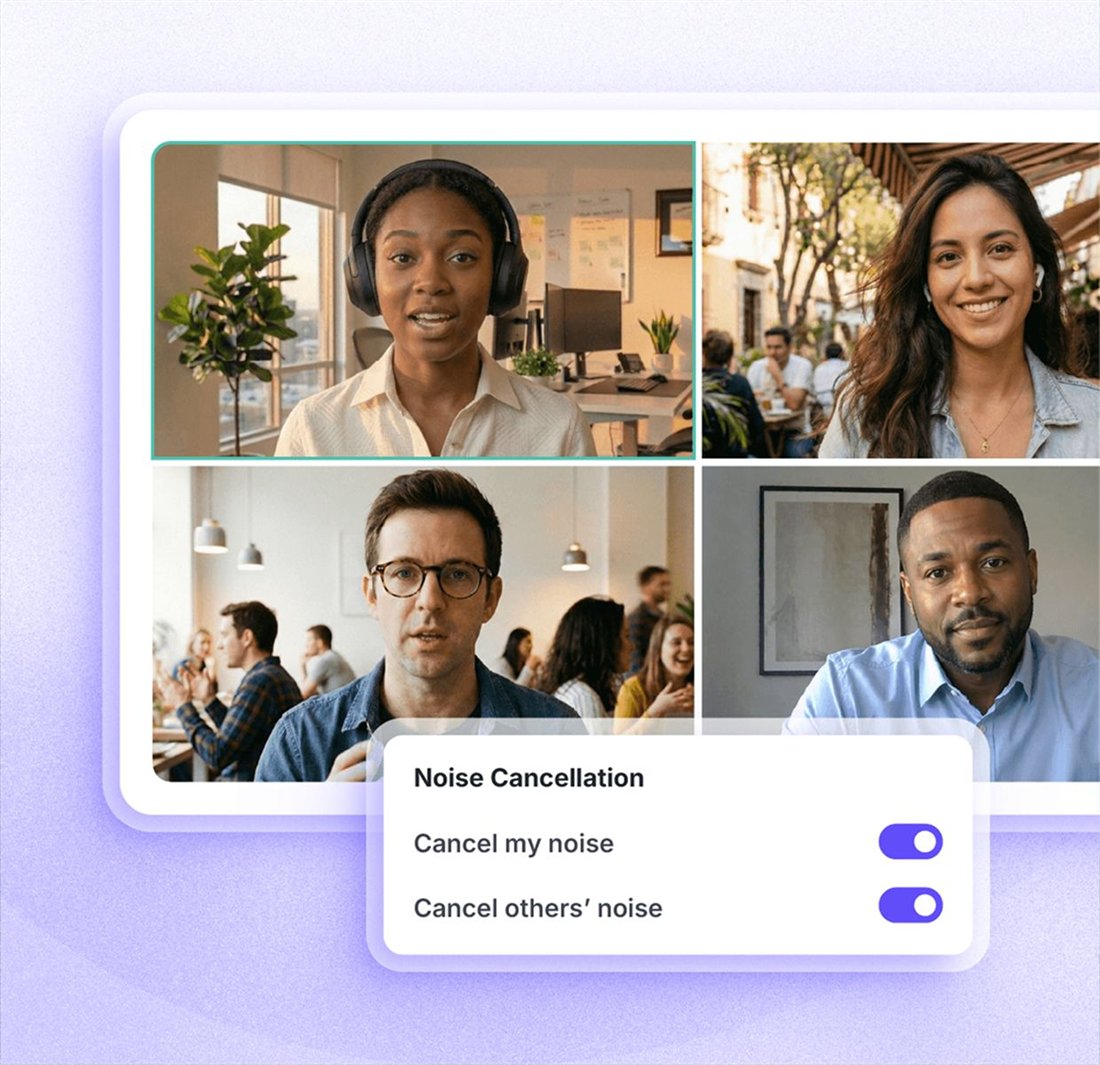
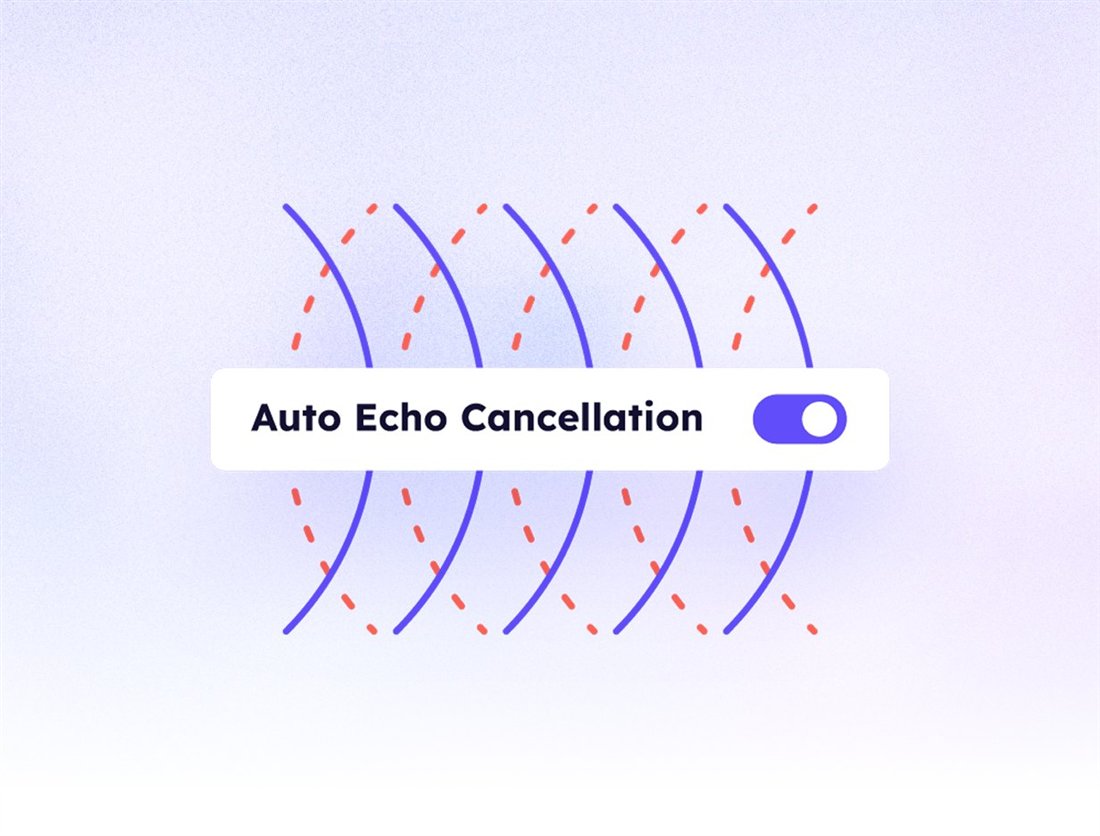
Installing Krisp creates two virtual devices, Krisp Microphone and Krisp Speaker. Your real microphone feeds Krisp Microphone, which cleans your voice before passing it to your app, while Krisp Speaker cleans the audio you hear from others. Krisp's noise cancellation article lists four capabilities: removing background noise from your microphone, filtering out other human voices around you, removing noise from other participants, and cancelling echo. It states that all of this runs on your device, with no audio sent to external servers. Alongside noise cancellation, Krisp now sells an AI meeting assistant with transcription, recordings, and notes. The two images below are official visuals from Krisp's website.
Which Apps It Works With
Krisp's help center gives a rule rather than a fixed list: an app works with Krisp if it supports virtual devices and has audio settings where you can select Krisp Microphone and Krisp Speaker, or if system-level audio settings apply to it. That covers meeting apps such as Zoom, Google Meet, Microsoft Teams, and Slack, and the help article on setting up any app is tagged with recording tools including Audacity, GarageBand, Adobe Audition, Camtasia, ScreenFlow, and Streamlabs. Discord has Krisp built in. Two limits matter: Krisp does not work with other virtual microphones, and Krisp recommends turning off the calling app's own echo cancellation and noise suppression.
Echo cancellation comes in two forms, per its echo article: acoustic echo cancellation, which needs both Krisp Microphone and Krisp Speaker selected, and room echo removal, which reduces reverb from your space.
Computer Resources
Because noise cancellation runs on your computer, it uses its processor and memory. Krisp's help center describes three performance modes: Auto, which balances quality and load; Maximal Removal, which may use more CPU and RAM to keep quality at its highest; and Battery Saver, which uses considerably less CPU and RAM with only a small difference in quality. Krisp does not publish CPU or memory figures. On Trustpilot, two 2026 reviewers say the app uses a lot of memory, including when idle on a Mac, and another calls it resource-intensive during screen sharing.
Pricing and the Free Trial
We read Krisp's pricing page in a browser on 14 October 2026, in both monthly and annual views.
| Plan | Monthly | Billed annually | Key features |
|---|---|---|---|
| Free trial | $0 for 7 days | — | All premium features · no credit card required |
| Core | $16/user | $8/user/mo | Unlimited noise cancellation · unlimited AI note-taker · multilingual transcripts · 1 hr/day accent conversion · 10 GB storage |
| Advanced | $30/user | $15/user/mo | Unlimited accent conversion · advanced integrations · admin controls · 60 GB storage |
| Enterprise | Custom | Custom | SSO/SCIM · on-device transcription and recordings · HIPAA |
There is no noise-cancellation-only plan: Krisp's FAQ says noise cancellation is built into every plan, and that you can disable the meeting assistant if you only want clean audio.
Privacy of Recordings and Transcripts
Krisp separates two kinds of processing. For noise cancellation, its help center says audio is processed locally and is not sent to or stored on its servers. For the AI meeting assistant, the article on data sent to the cloud says meetings are transcribed in the cloud and the audio used for transcription is deleted immediately after processing; recordings are stored in Krisp's cloud. The pricing page lists on-device transcription and recordings as an Enterprise feature. Krisp's pricing FAQ says data is encrypted at rest with AES-256 and in transit with TLS 1.3, that it holds SOC 2 Type II, GDPR, and HIPAA certifications, and that meeting data is never used to train its AI models. If you record calls, check the consent rules that apply to you and the people you record.
What Other Users Say
What Other Users Say
In a Research-based review, user reports are one of our main sources. According to user reports, the noise cancellation itself works well, and some reviewers describe helpful refunds. Recent negative reviews from 2026 focus on billing, including auto-renewals turned on without notice and refunds refused, on heavy memory use, on an app that some found hard to uninstall, and on the meeting notes, with one reviewer unable to choose which call to transcribe. Trustpilot notes Krisp has not invited customers to review recently and typically takes over a month to reply.
Sources: Trustpilot (retrieved 14 October 2026). We could not retrieve verified G2 or Capterra figures, so we do not cite them.
Krisp vs Descript vs Async
The key difference is timing. Krisp removes noise live, before audio reaches your recording or call; Descript and Async clean audio after it has been recorded, as part of an editing workflow. Descript was tested hands-on for our earlier review; Async and Krisp were assessed from research only.
| Criteria | Krisp |
 Descript Descript |
 Async Async |
|---|---|---|---|
| Our framework score | 7.2/10 | 7.6/10 | 6.8/10 |
| How we assessed it | Research only | Hands-on test | Research only |
| When audio is cleaned | Live, during calls and recordings | After recording, in the editor | After recording, in the editor |
| Free option | 7-day trial | Free plan | Free plan, no card |
| Entry paid price, billed annually | $8/mo | From $12/mo | $11.99/mo |
Pros
- Removes noise, nearby voices, and echo live, on both sides of a call
- Noise cancellation runs on your device, with no call audio sent to servers
- Works in any desktop app that lets you pick the microphone, including recording tools
- Performance modes for older or busy computers
- Low annual price: $8 a month for Core
Cons
- No permanent free plan, only a 7-day trial
- No noise cancellation on mobile
- Does not work with other virtual microphones
- Users report heavy memory use
- Billing and auto-renewal complaints on Trustpilot
FAQ
Does Krisp work with podcast recording software, not just Zoom?
Generally yes. Krisp's help center says it works with any app that supports virtual devices and lets you select Krisp Microphone as the input, and its setup article is tagged with recording tools such as Audacity, GarageBand, and Adobe Audition. It does not work with other virtual microphones, so check your setup during the trial.
Is Krisp still free?
Not permanently. As of 14 October 2026, Krisp's pricing page lists a 7-day free trial with no credit card required, followed by paid plans starting at $8 a user a month billed annually.
Does Krisp send my call audio to the cloud?
Not for noise cancellation. Krisp's help center says noise cancellation is processed locally and call audio is not sent to its servers. The separate AI meeting assistant transcribes meetings in the cloud and stores recordings there.
Does Krisp slow down my computer?
It can. Krisp runs noise cancellation on your computer and offers a Battery Saver mode that uses considerably less CPU and RAM. Some Trustpilot reviewers report heavy memory use.
Does Krisp work on iPhone or Android?
Not for noise cancellation. Krisp's help center says the mobile app does not support noise cancellation yet; it is designed for recording and transcribing in-person meetings.
Is this review based on hands-on testing?
No. It is Research-based, built from Krisp's official pricing page, help center, and security information, plus Trustpilot reviews. We have not used Krisp ourselves.
Final Verdict
Krisp's strength is that it cleans audio while you speak. Its documentation describes virtual microphone and speaker devices that remove background noise, other voices nearby, and echo on your own computer, in any desktop app where you can choose the microphone, from Zoom to recording tools. For a creator recording in a noisy apartment, that solves the problem before it reaches the file, which tools like Descript fix after the fact. The caveats are real: there is no permanent free plan anymore, noise cancellation is desktop-only, some users report heavy memory use, and the cloud-based meeting notes raise separate privacy questions. Use the 7-day trial on your actual setup before paying.
Check Krisp's Current Pricing
Use the 7-day trial with your own microphone and recording software before choosing a plan.
See Krisp pricing →